
Quality Window is designed to help you capture, understand, and act on your process and quality data.
Whether you are starting from manual data collection or integrating with existing systems, Quality Window provides a flexible way to monitor performance, investigate issues, and support operational decisions.
Below are some of the most common ways customers use Quality Window in production environments.
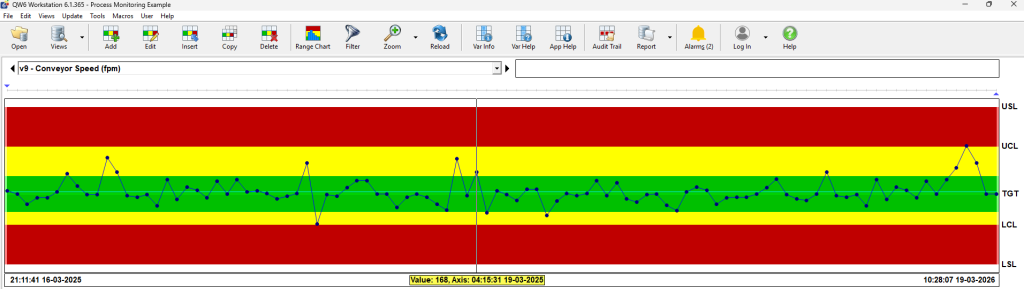
Process Monitoring and Control
Use Quality Window to monitor key process and quality variables at regular intervals.
This allows teams to maintain consistency, reduce variation, and ensure processes are running as expected.
Common applications include:
- Standardizing process settings across production lines
- Monitoring quality characteristics to meet customer requirements
- Tracking product specifications for compliance and regulatory needs
- Controlling fill weights to balance cost and visual quality
- Validating equipment and test methods
Event Tracking and Root Cause Analysis
Quality Window can be used to capture and analyze events that impact production performance.
By structuring event data, teams can identify patterns and take action to prevent recurrence.
Common applications include:
- Tracking downtime and identifying causes of lost production
- Capturing quality defects and understanding failure modes
- Monitoring waste and scrap to reduce manufacturing costs
- Logging and analyzing customer complaints

Working with Existing Data
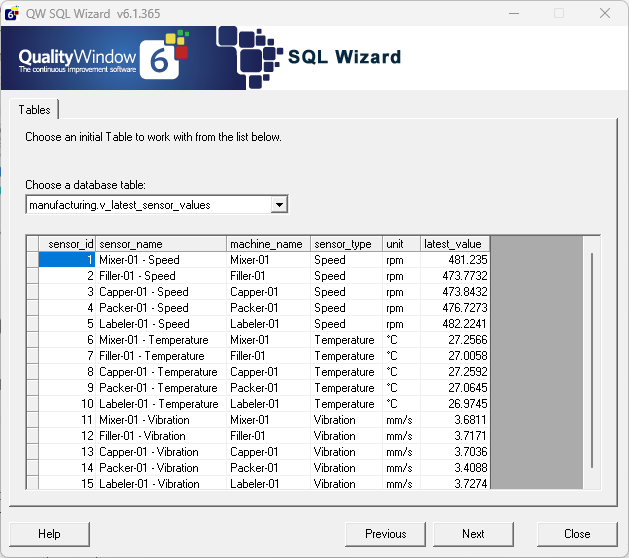
If you already have data, Quality Window can help you make use of it without rebuilding your systems.
Data can be brought in and structured for analysis and reporting.
Common applications include:
- Importing Excel data organized in rows and columns
- Connecting to SQL databases to view and analyze large datasets
- Converting existing data into structured Quality Window applications
Automated Data Collection
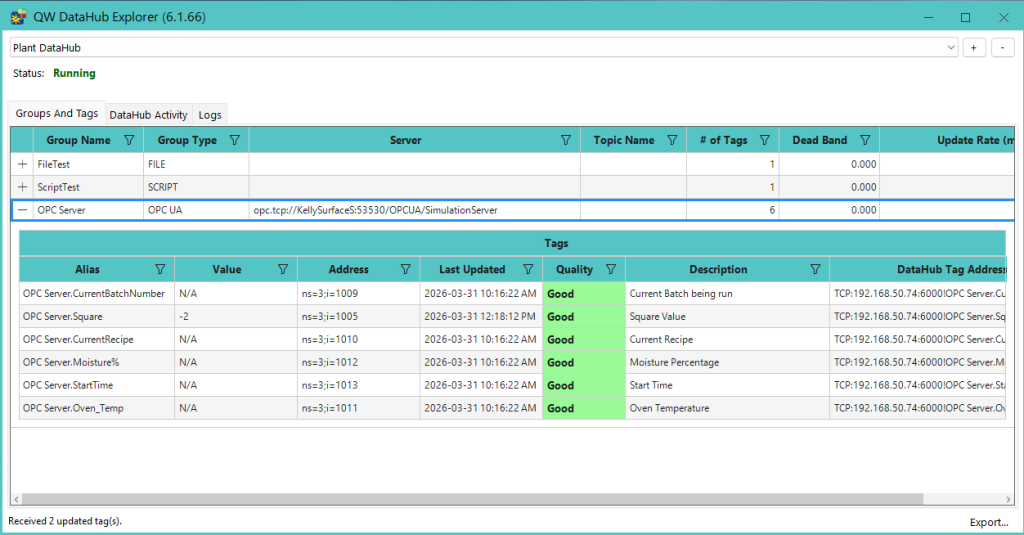
Quality Window supports integrating with automation systems to reduce manual data entry and improve data reliability.
This allows data to be captured automatically and made available for immediate review.
Common applications include:
- Collecting data from PLC-based control systems
- Combining automated inputs with manual data entry
- Capturing data on a scheduled or event-driven basis
Reporting and Customer Deliverables
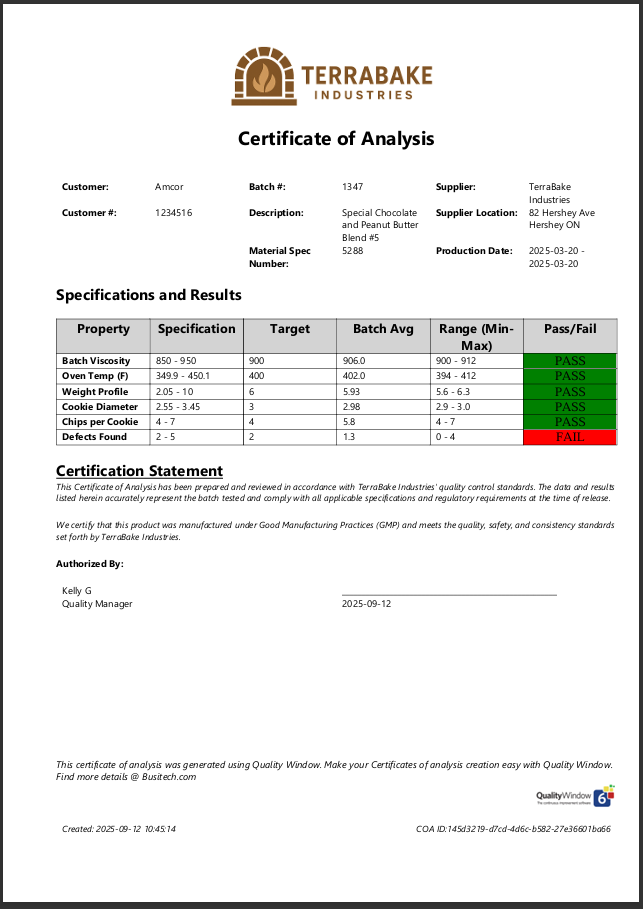
Quality Window can be used to generate reports and outputs that support both internal operations and external requirements.
This helps ensure consistency and traceability in how data is shared.
Common applications include:
- Generating Certificates of Analysis (COA)
- Providing proof of compliance to customers
- Standardizing reporting across products or processes
Where to Start
Most customers begin with a single use case, such as monitoring a critical process or tracking downtime, and expand over time.
If you are not sure where to start, focus on:
- A process where variation has a measurable cost
- An area where data is currently tracked manually
- A recurring issue that requires better visibility
Quality Window is designed to grow with your operation, allowing you to start small and expand as needed.
If you would like guidance on implementing any of these use cases, contact Busitech support.